 SafePaste
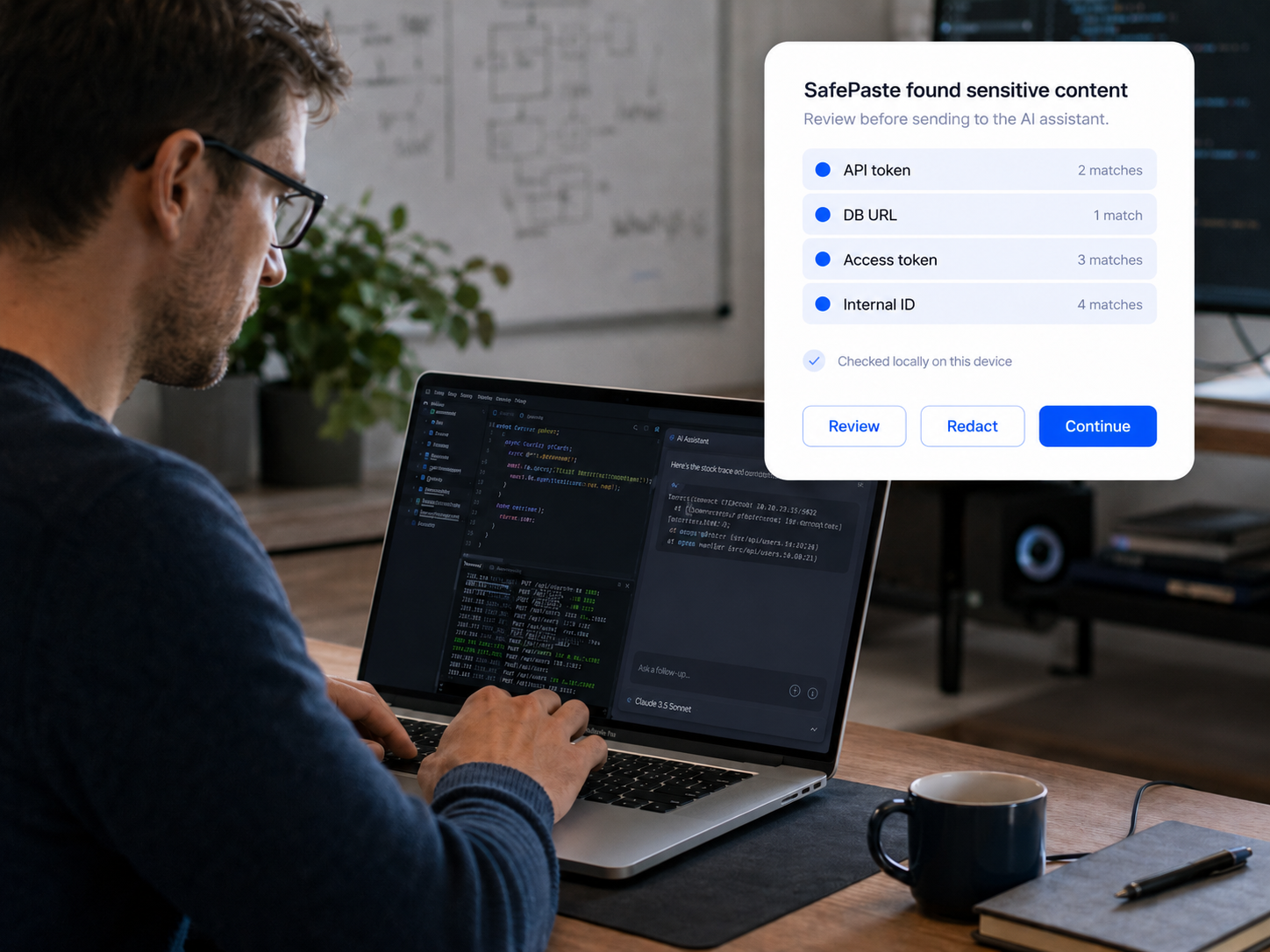
Developers
Debugging with AI, without leaking credentials
Logs and stack traces often carry more than the bug. See the developer use case.
AI makes work faster, but copy-paste makes sensitive context easy to leak. SafePaste checks AI prompts locally before they reach ChatGPT, Claude, or Gemini — a quiet safety check in the second before you paste.
Checked locally. Never uploaded to SafePaste.
You probably did this today — without thinking twice.
Most people are not trying to leak secrets. They are moving fast: copying a log into ChatGPT, pasting customer notes into Claude, dropping a config snippet into Gemini, or sharing internal context to get a draft done. The risk hides in ordinary work context.
Stack traces and debug output that still carry tokens and credentials.
Connection strings and env snippets copied from local files.
Account IDs, billing details, and support history in pasted threads.
Clauses, client names, and privileged context moved into AI drafts.
Revenue numbers, forecasts, and deal notes in quick summaries.
Roadmaps, pricing, hiring notes, and investor updates in AI prompts.
None of this requires bad intent. It is what happens when fast workflows meet AI tools that remember what you paste.
SafePaste gives your judgment one more chance before sensitive information leaves the browser.
It is a quiet local safety check — not a replacement for your judgment, but a moment to notice what is in the clipboard before it reaches the cloud. Review, redact, continue, or cancel. You stay in control.
Learn how the product works, explore use cases for your team, or read our privacy policy for how local checks are designed.
SafePaste is built for the people who use AI every day — and the sensitive context that travels with them.
Developers
Logs and stack traces often carry more than the bug. See the developer use case.

Founders and operators
Fast-moving teams paste more than they mean to. See the founder use case.

Finance and legal
High-value context should not leave by accident. See finance and legal use cases.
Install the browser extension for a local prompt check before your next paste.