 SafePaste
“Summarize this client call.”
Client notes from the Q3 review call
Discussion on pricing and renewal terms
Account context for Meridian Partners
Client data, credentials, financial notes, code, and internal plans can hide inside copied text. SafePaste checks locally before they reach cloud AI tools, forms, emails, or work apps — helping you stop costly leaks before they happen.
Checked locally. No cloud upload for scanning. You decide before it leaves.
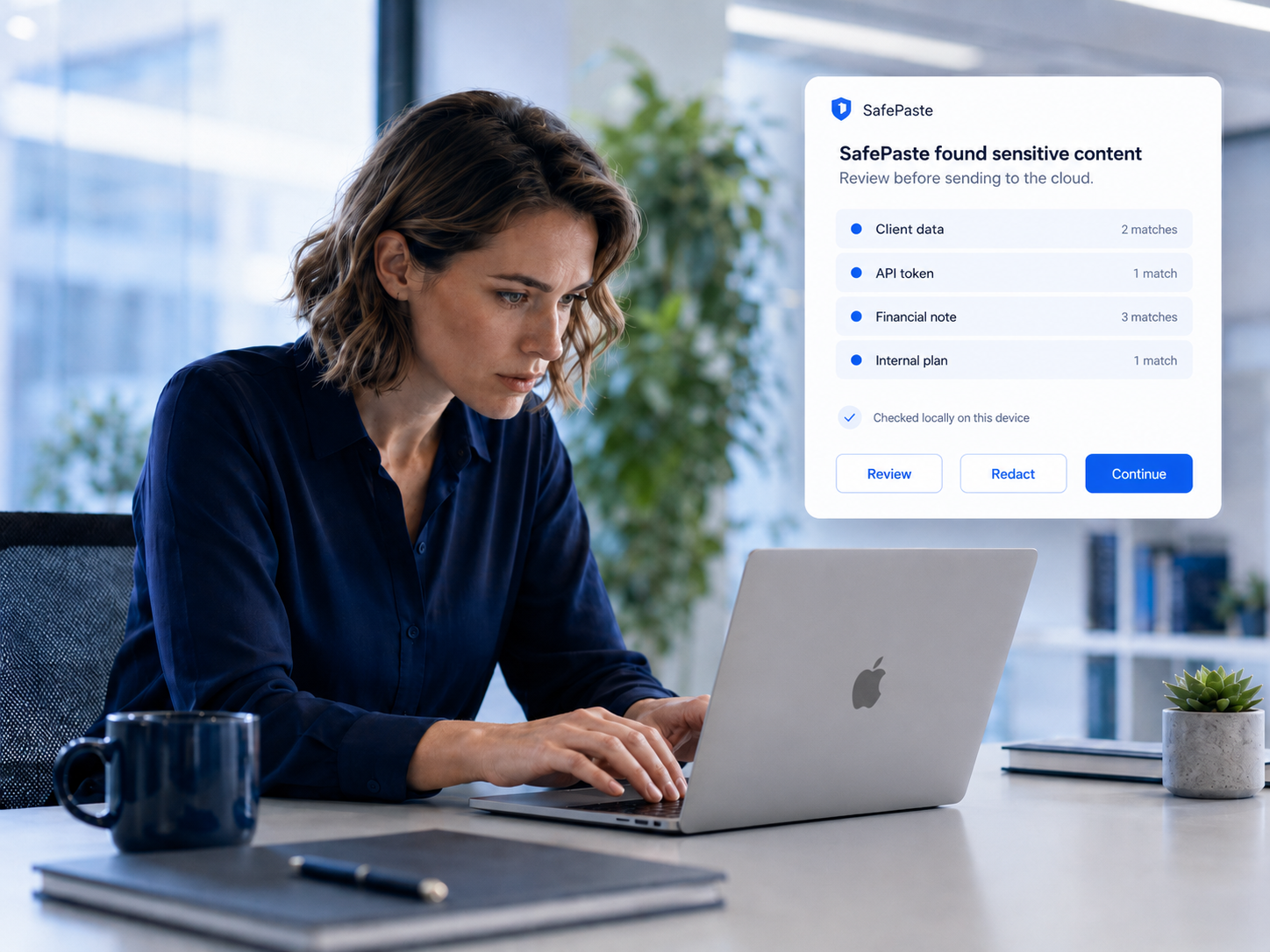
Not because you were careless — because modern work moves through copy and paste. AI chats, forms, dashboards, emails, and internal tools all become places where private information can slip out.
“Summarize this client call.”
Client notes from the Q3 review call
Discussion on pricing and renewal terms
Account context for Meridian Partners
“Can you debug this error?”
Stack trace at production handler
DATABASE_URL=postgres://…
Access token in request headers
“Draft a quick investor update.”
Q4 forecast and pipeline summary
Investor note on runway extension
Confidential revenue detail by segment
“Clean this up before I send it.”
Internal comment: margin too thin
Please remove client name before sending
Private note on negotiation terms
SafePaste does not ask you to change how you work. It appears when sensitive content is about to move somewhere risky.
Into AI chats, forms, email, dashboards, or work tools.
SafePaste checks copied text on your device.
Credentials, client data, financial details, code, and private notes are flagged.
Review, redact, continue, or cancel before it leaves.
SafePaste is designed for the moments when high-value work moves too quickly across AI tools, browsers, emails, and internal systems.
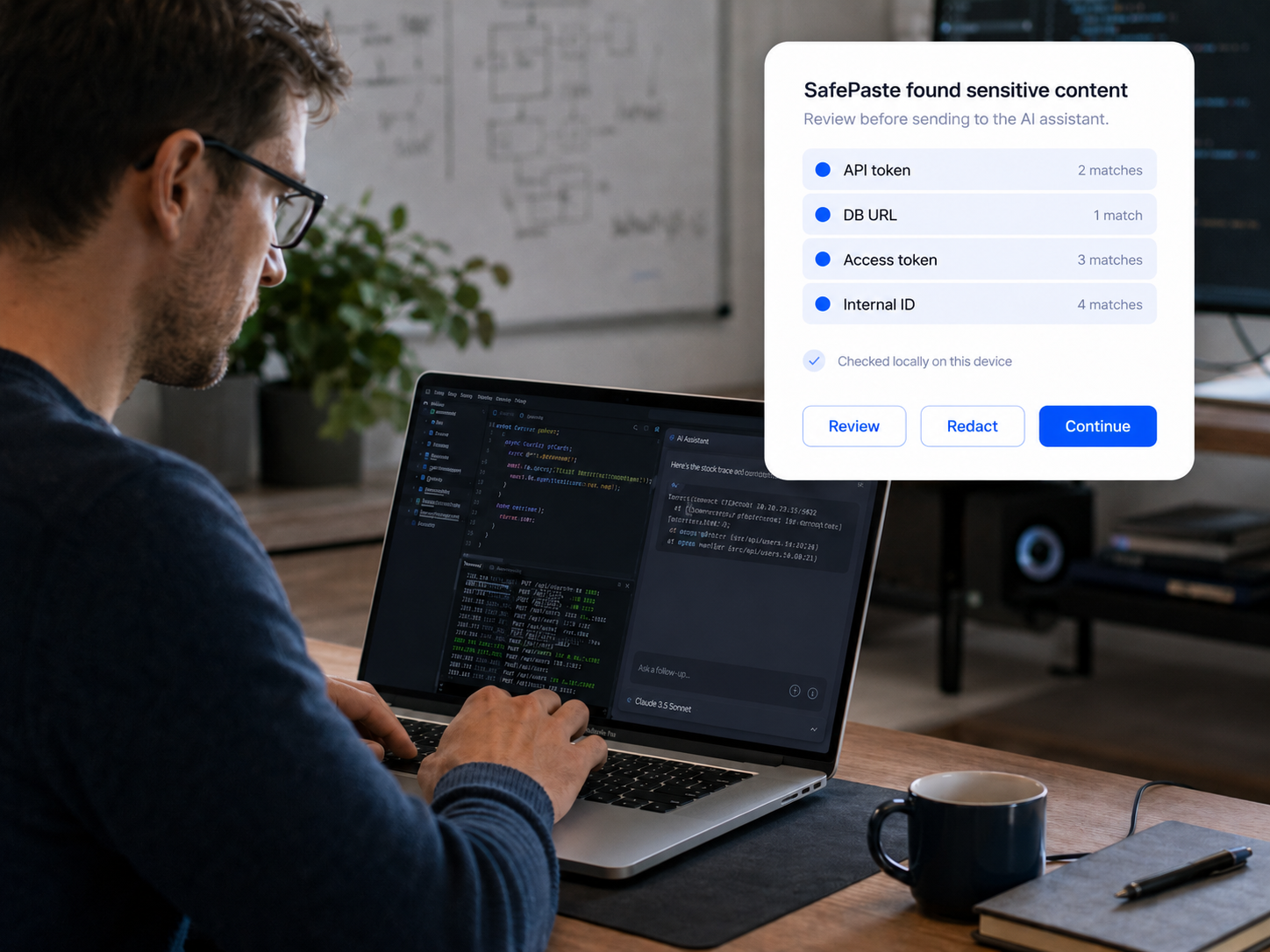
Developers
Logs, stack traces, and .env snippets often contain more than the bug. SafePaste helps catch tokens, keys, database URLs, and internal identifiers before they end up in an AI tool or external form.

Finance
Investor notes, client updates, forecasts, and account details move fast across spreadsheets, AI tools, emails, and portals. SafePaste helps catch sensitive financial context before it leaves the right place.

Consulting / Legal / Client work
Client notes, research, decks, and AI-drafted summaries often contain confidential details in the margins. SafePaste helps catch what should not leave the project before it reaches the wrong tool or message.
SafePaste checks risky text on your device before it leaves your hands. You get the warning without uploading the content you are trying to protect to our cloud for scanning.
Risky text is reviewed on your device before it leaves.
SafePaste does not send pasted content to our servers for scanning.
Review, redact, continue, or cancel with context.
Start with local checks before risky paste moments in AI chats, forms, emails, and work tools.
SafePaste checks locally before private data reaches the cloud.